
Houdini (or Stockfish or Komodo) is a so-called “UCI-compatible” chess engine that requires a graphical chess environment or chess “GUI” (Graphical User Interface) to run.
This GUI will show you the chess board and buttons to be able to play chess games or analyze positions.
You cannot play games with the chess engine only without having a GUI.
If you have one of the commercial chess programs like Fritz, Rybka (Aquarium) or Shredder then you can use their GUI as they are sold with a Graphical User Interface included.
If you don’t have these chess programs above then you can use a free downloadable GUI called ARENA.
I will show you now:
- Where to get the best chess engine of this planet for free
- Where to get the GUI Arena for free to be able to use the chess engine Houdini
- and how to implement the chess engine into the GUI
Follow this step by step process below
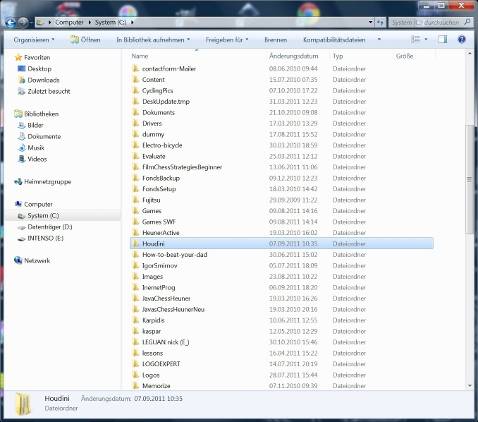
1. Open a directory (folder) on your computer, just click on System(C:) and then rightclick mouse, a window opens and then select “new” and “folder”, rename the folder and call it “Houdini” – See image below.
1. Download Houdini Chess Engine and/or
Download Stockfish Chess Engine and/or
Download Komodo Chess Engine
My personal choice would be Stockfish which is the strongest program.
2. Copy and paste the downloaded Houdini.zip into this new folder named “Houdini” that you have created before. (see image below)
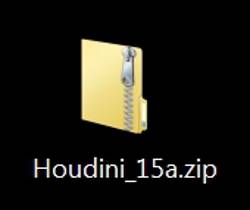
3.Go to “Houdini” folder then rightclick mouse on Houdini.zip, and a window opens. Select “extract files”, after that all files in the “Houdini.zip” folder will extract automatically and a new sub-folder will be created named “houdini_15a”.
4. Download the GUI ARENA.zip. Go to the left menu of their website and click on “Downloads”. You will see the most actual version. Download it to your desktop. (See image below)
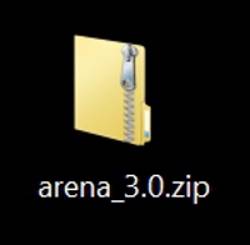
5. Copy and paste the Arena.zip into your folder named “Houdini” as well.
6. If you have done it then go into folder “Houdini” and rightclick mouse on Arena.zip, then a window opens. Select “extract files”, this does create a new sub-folder called “arena_3.0” within the “Houdini” folder. (see image below)
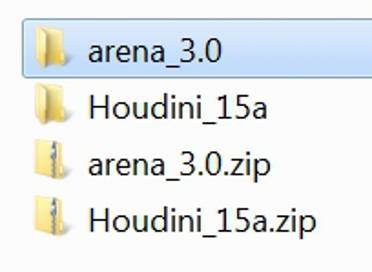
7. Click on this new sub-folder arena_3.0, it opens up and you see the arena.exe file which you will use now to install arena on your computer. (See image below)
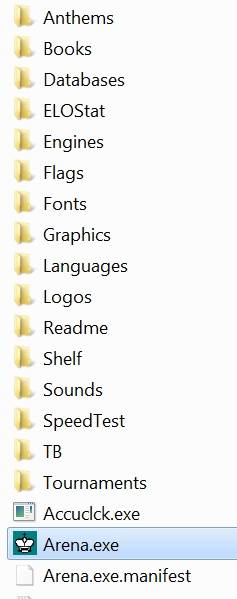
8. RightClick Mouse on “Arena.exe”, then window opens and you click on “open”. This will run the Arena Setup. All the default installation options are OK, just select the language. At the end of the set-up you’ll automatically run Arena. (See image below)
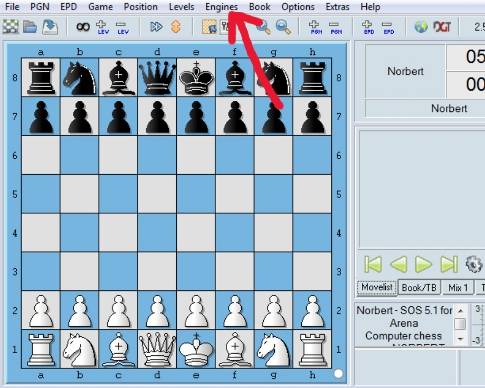
9. Click on “Engines” in top menu,(see image above) select “Install New Engine…”. A file selection dialog opens, click on top and go to System(C:) then find your “Houdini” folder in the lower part.
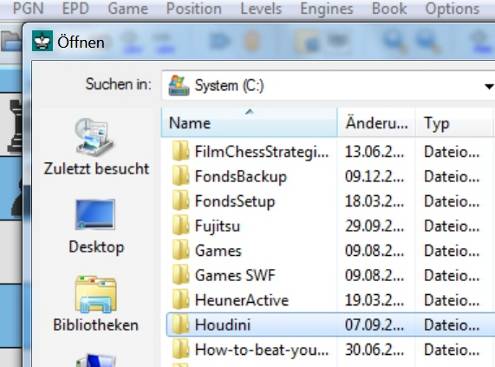
10. Click on “Houdini” twice until it shows in top box where “System(C:)” was shown before. (See image below)
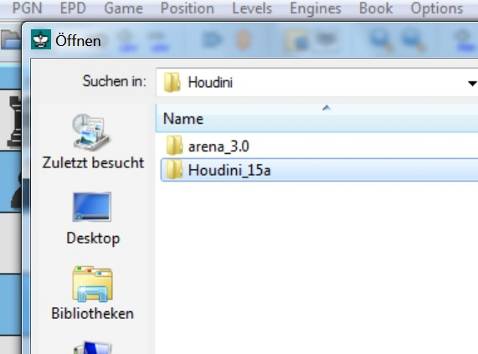
11. Below you see subfolder Houdini_15a, click twice on it until it shows in top box where “Houdini” was shown before.
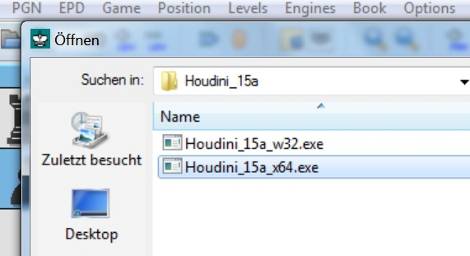
12. Now the subfolder Houdini_15a is shown in top box and you see Houdini_w32.exe and Houdini_x64.exe executable in the list. (See image above). Now you have to select one of these engines and click on open.
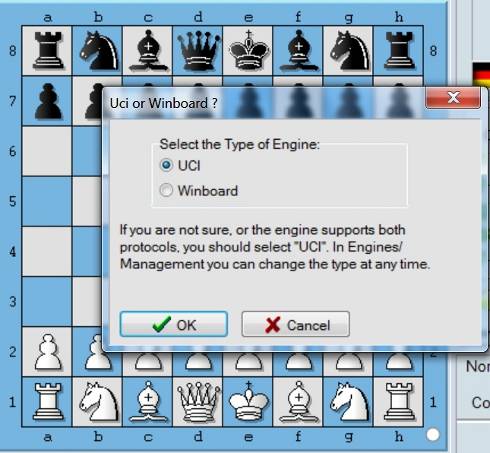
If you have a new computer which is running on 64 bit then select Houdini_x64.exe, otherwise select Houdini_w32.exe. If you click “open” then a new window opens. Leave UCI ticked as it is and just click “ok”.
See image below
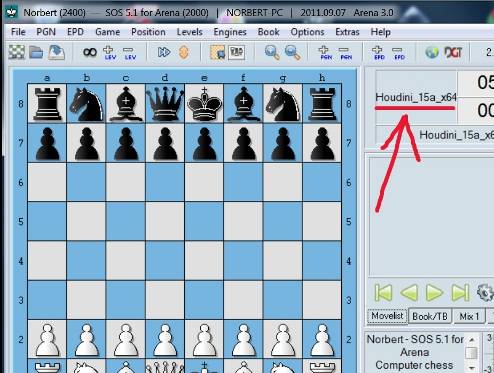
If you have done everything correctly then you can see the Houdini Engine listed in Arena. (See image below).
Have fun!
Go from Chess Engine – to Chess Strategies – Home